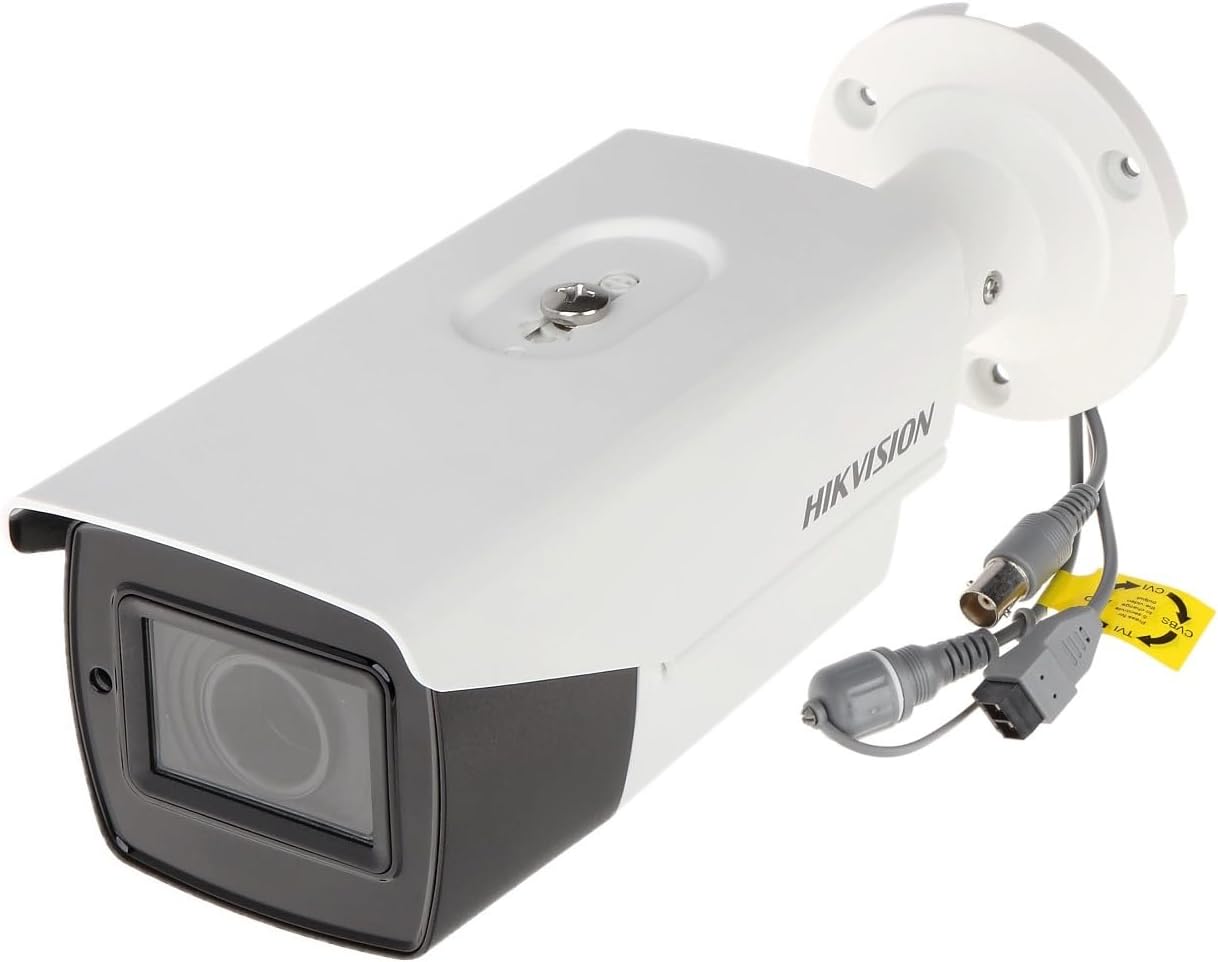
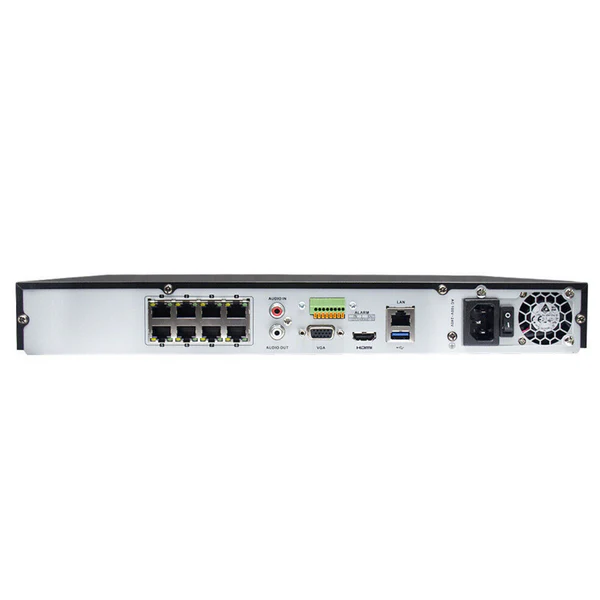
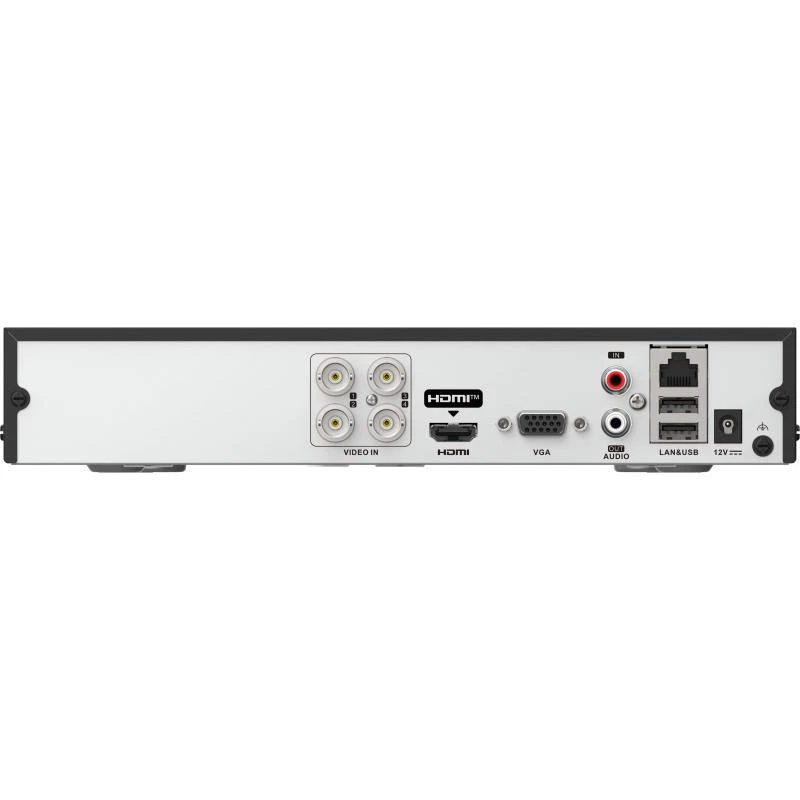
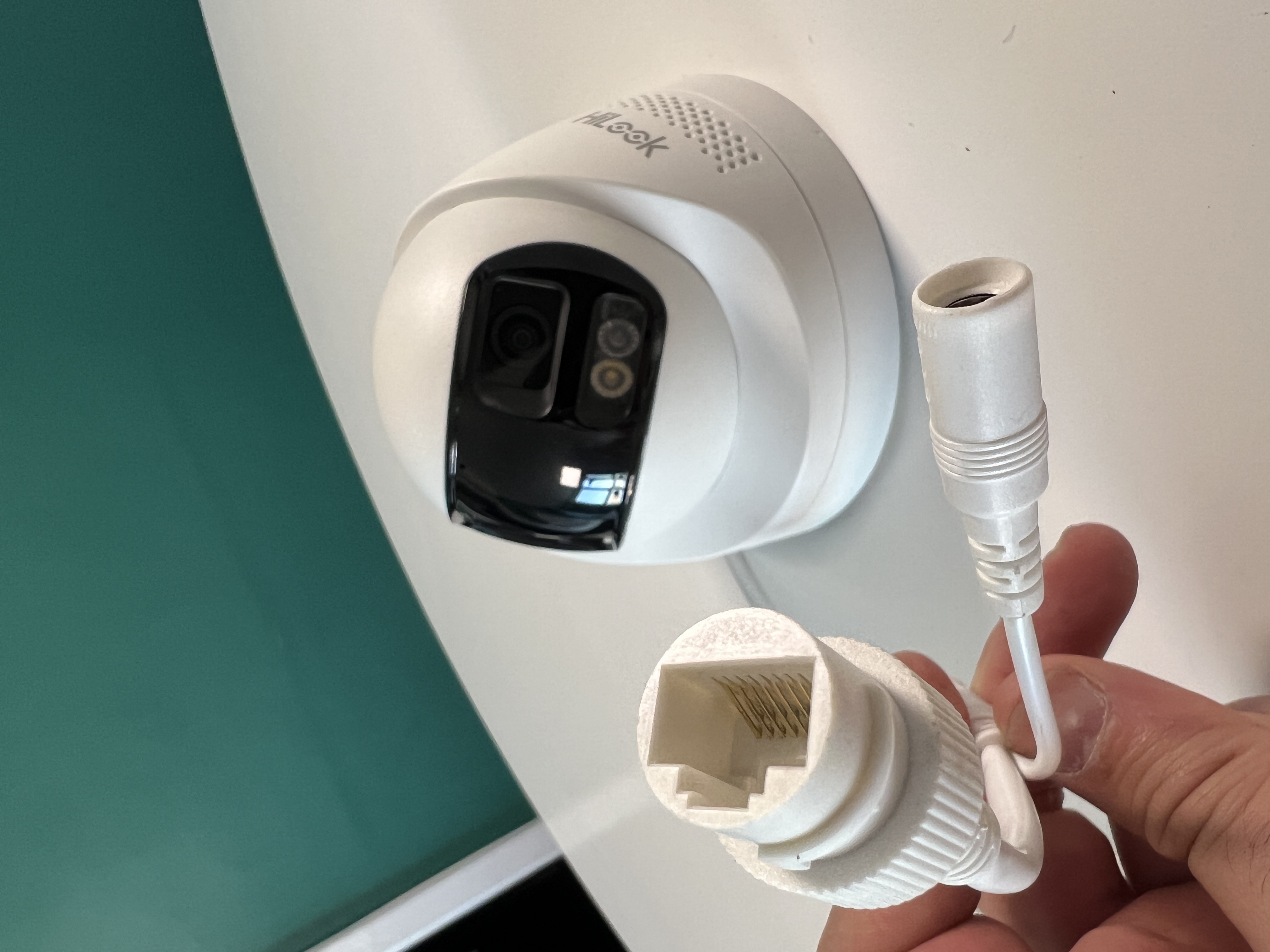
Ballpark comparisons to help you budget and choose features — not a fixed price list. Every property differs; we confirm numbers on an installation quote.
Analog vs IP CCTV
Both can deliver solid results; the difference is usually cable type, how the recorder connects, and how you add cameras later. Your installer will match the system to your existing wiring or a fresh install.
Add your customer-facing detail here: typical price bands, when analog still wins, when IP (PoE) is worth it, upgrade path.
Analog (HD over coax)
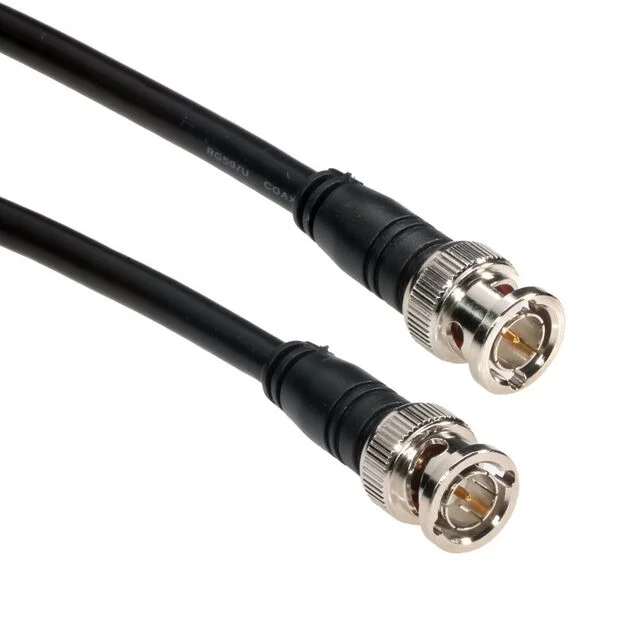
Cabling: Uses coax cable (RG59/RG6) with separate power cable.
Simplicity: Plug & play — no IP setup, no network conflicts.
Video quality: Good, but less sharp compared to IP systems.
Audio: Basic audio support, usually lower quality.
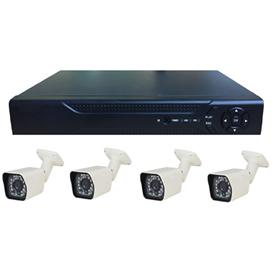
System features: DVR is simple with limited smart tools.
Durability: More heavy-duty, longer lifespan systems.
Flexibility: Easier to expand and integrate with modern systems.
Best for: New installations and users who want higher performance.
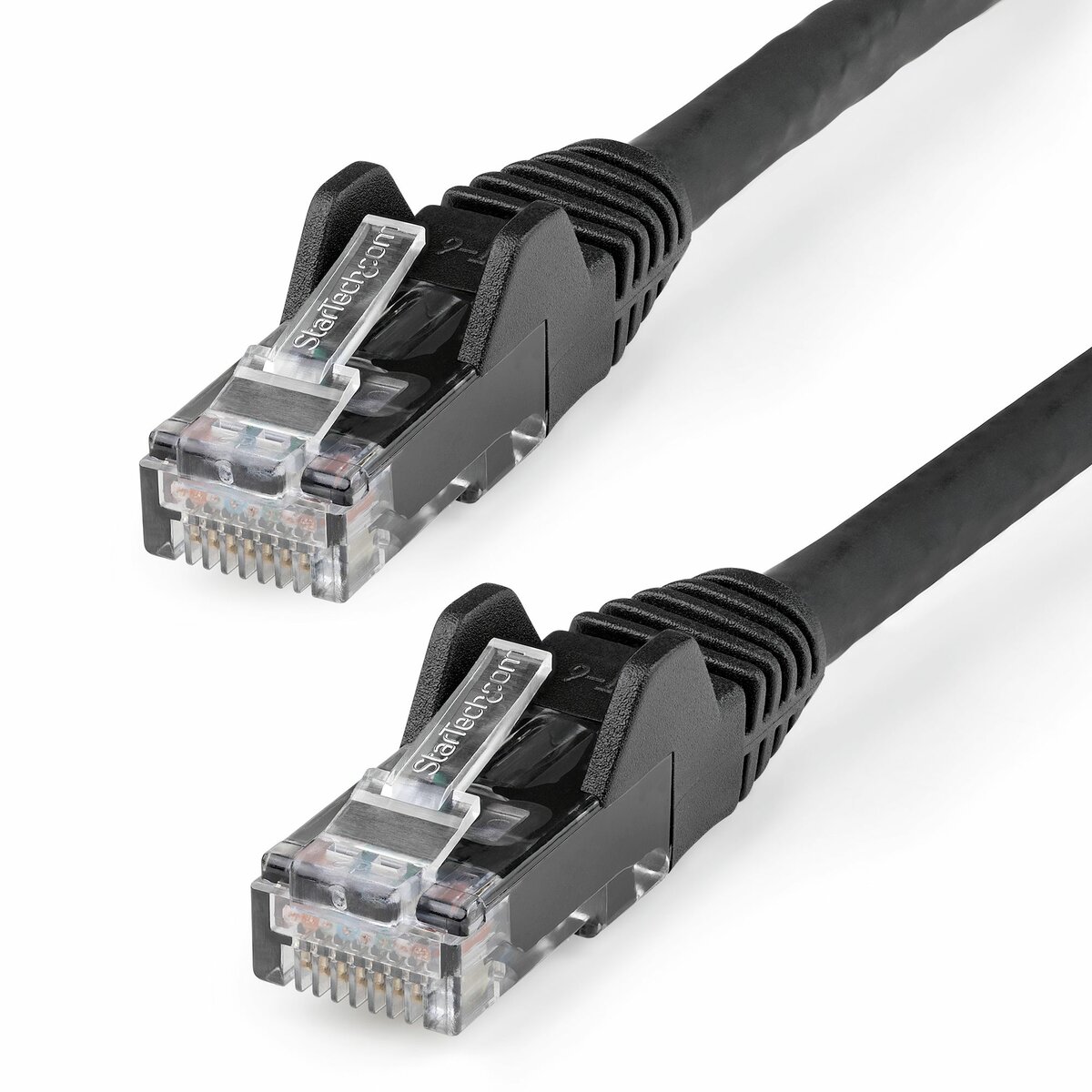
Important tip: Even if you choose an analog system, we strongly recommend installing Cat5e or Cat6 FULL COPPER cables. This allows you to upgrade to an IP system in the future without re-running cables, saving time and cost.
Hikvision & brand / ecosystem fit
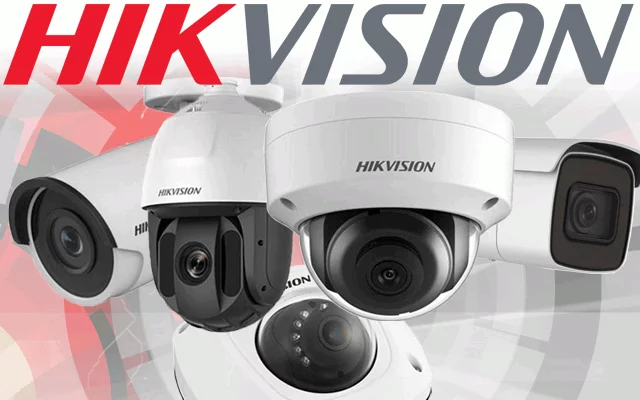
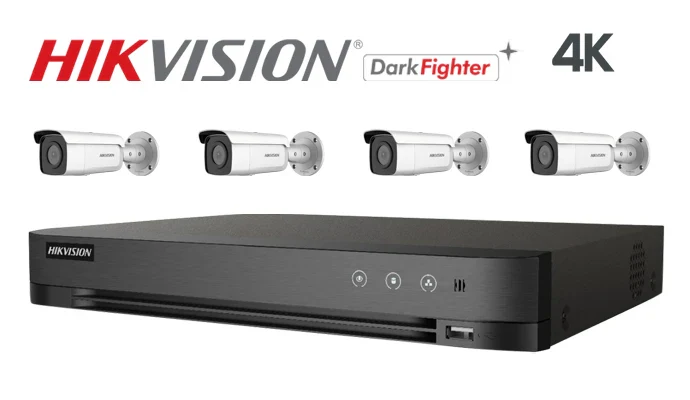
Hikvision is widely used in professional CCTV; matching cameras, recorders, and apps from one ecosystem keeps setup and support simple. Other brands follow the same idea — the “price” is often in compatibility and long-term firmware support.
Edit this block: how you position Hikvision vs alternatives, warranties, app experience, where mixing brands causes extra cost.
Established brands (e.g. Hikvision)
Large community: Huge user base worldwide.
Easy troubleshooting: Most issues already solved online.
Support availability: Guides, videos, and forums are easy to find.
Reliability: Well-tested systems with consistent updates.
New or unbranded systems
Limited support: Smaller or no user community.
Troubleshooting: Harder to find solutions when problems happen.
Uncertainty: Less documentation and fewer updates.
Risk: You may get stuck if something goes wrong.
Key takeaway: Choosing a well-known brand like Hikvision means you're never alone — if an issue comes up, chances are someone else has already solved it. With lesser-known brands, finding help can be difficult.
One-way vs two-way talk
Audio features affect camera choice, cabling, privacy, and GDPR. One-way listen is simpler than full two-way talk at the door; pricing differs by hardware and how the recorder handles audio streams.
Edit: when you recommend each, privacy signs, typical upsell range, limitations on analog vs IP.
One-way (listen-in)
Edit: what the customer hears.
Edit: typical hardware notes.
Edit: compliance / signage reminder.
Two-way (speak & listen)
Edit: doorbell / intercom-style use.
Edit: speaker quality and volume.
Edit: when it needs a dedicated intercom instead.
Image 1Image 2Image 3Image 4 (optional)
Smart light & siren-style features
Many cameras add white-light deterrents, strobes, or built-in sirens. These can reduce false sense of security if not positioned correctly — but when matched to the scene they add real value.
Edit: compare passive IR-only night view vs colour with white light, neighbour-friendly settings, extra power/install time.
Lights / visibility
Edit: colour night vs IR-only.
Edit: glare and pointing tips.
Edit: running cost / LED lifespan note.
Siren / voice warning
Edit: built-in vs external siren.
Edit: automation with intrusion alarms.
Edit: false trigger mitigation.
Image 1Image 2Image 3Image 4 (optional)
Recorder, storage & running cost
Install quotes usually include a recorder sized for your retention goal (e.g. 2–8 weeks). More cameras, higher resolution, and 24/7 recording all push disk size and price up.
Use our hard drive calculator for a TB estimate, then we’ll sanity-check it against real bitrates and motion-vs-continuous schedules.